Blog Paid Search
New Google Shopping Experience Scorecard
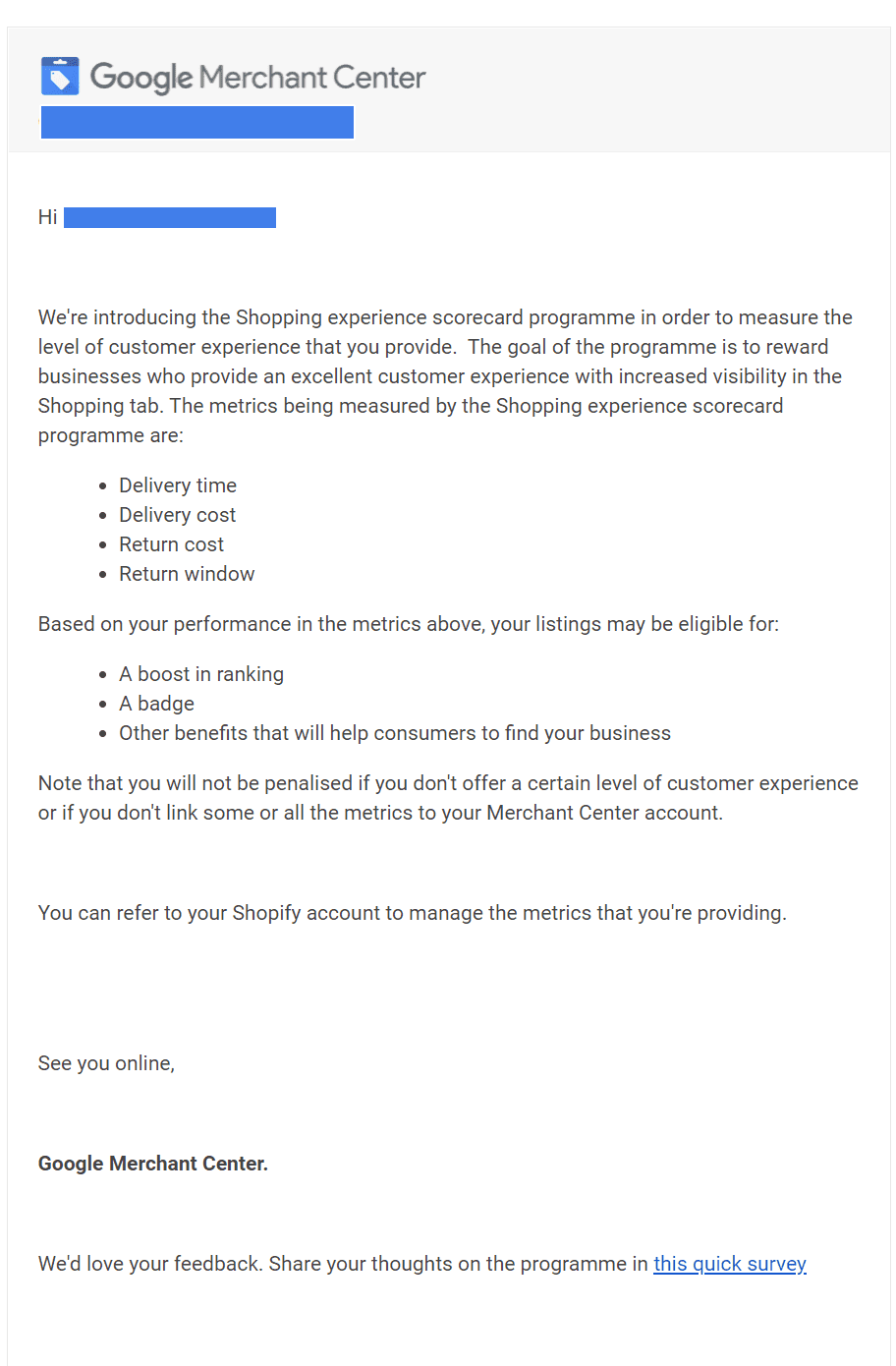
Google has released an announcement to users of the Google Merchant Center about the release of the new Shopping Experience Scorecard. The goal
Mira Marketing
3 min read
What is the shopping experience scorecard?
Google has released an announcement to users of the Google Merchant Center about the release of the new Shopping Experience Scorecard. The goal of the program is to reward businesses that provide excellent customer experience with higher rankings and increased visibility in the Google Pay Per Click Shopping Tab.
How does it work?
The new program will monitor the experience that businesses provide to their customers in areas such as shipping speed, shipping cost, return cost, and return window. Businesses will be given a rating of ‘excellent’, ‘comparable’, or ‘opportunity’ in each area.
Depending on how well you are rated for each area, Google will reward you with higher rankings, a badge, and other benefits that will help consumers discover your business.
It is worth noting that Google has stated that businesses will not be affected or penalized if they don’t link their data or if they don’t offer a certain level of customer service. However, if this is a way to get your rankings higher with no catch, it might make sense for a business to share these metrics to gain better visibility in Google shopping.
What is the difference between the Shopping Experience Scorecard Program and Retailer Standards?
Retailer Standards applies only to Buy on Google merchants, while the shopping experience scorecard program applies to all merchants. The goal of Retailer Standards is to ensure that Buy on Google merchants are meeting certain service standards, while the shopping experience scorecard program is focused on rewarding any business that provides a great customer experience.
How do I view my performance?
To see your performance for each metric and your overall score:
- Sign in to your Merchant Center account.
- From the navigation menu, click Growth.
- Click Shopping experience scorecard.
To earn a badge, you must perform well in comparison to other businesses in all measured areas. All metrics are calculated daily and are constantly reflected on to ensure sustained performance.